




Video
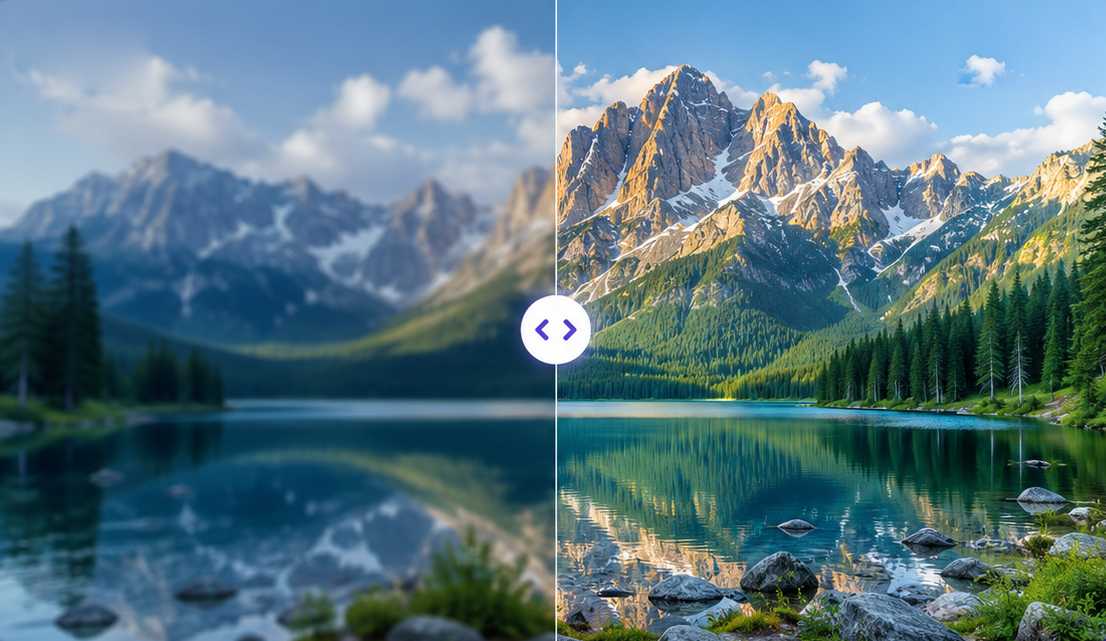
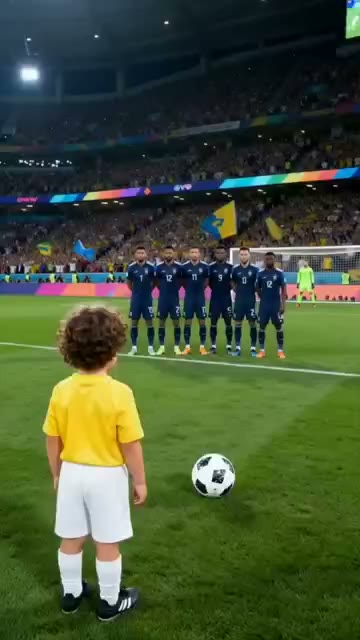
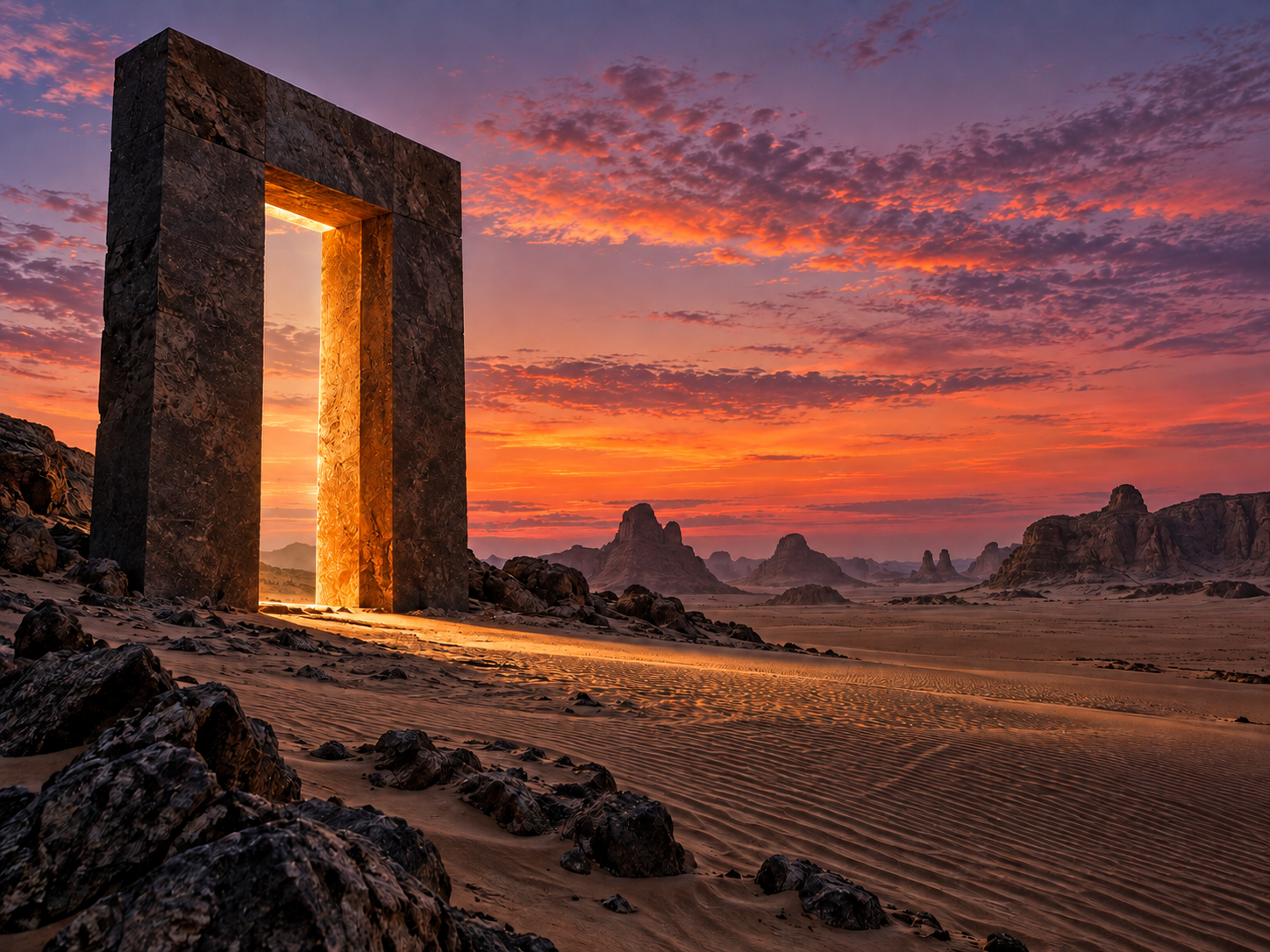
Turn text or an image into a moving, cinematic shot — and set the duration, aspect and quality.
AI creative studio
Studio’k turns your words and photos into video, images, voice-overs and songs with AI — in Arabic and English, on iPhone and iPad.
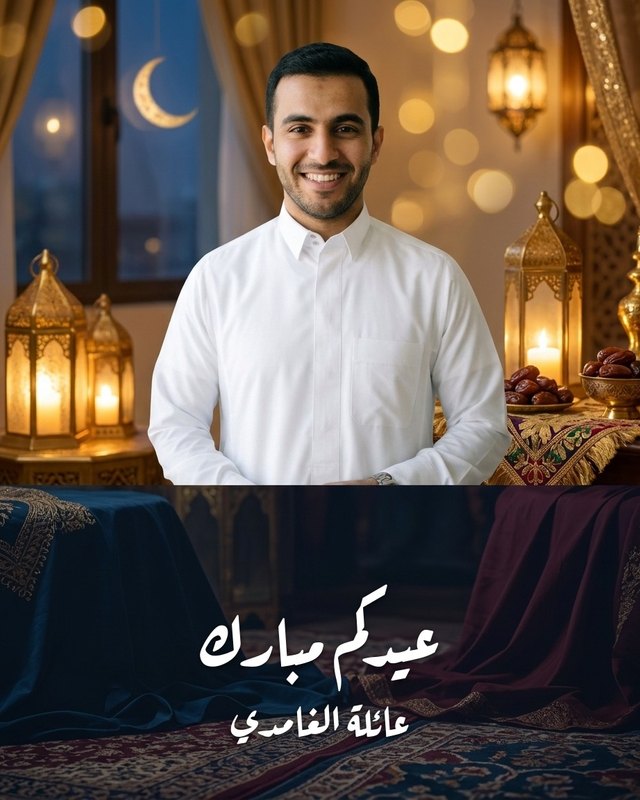
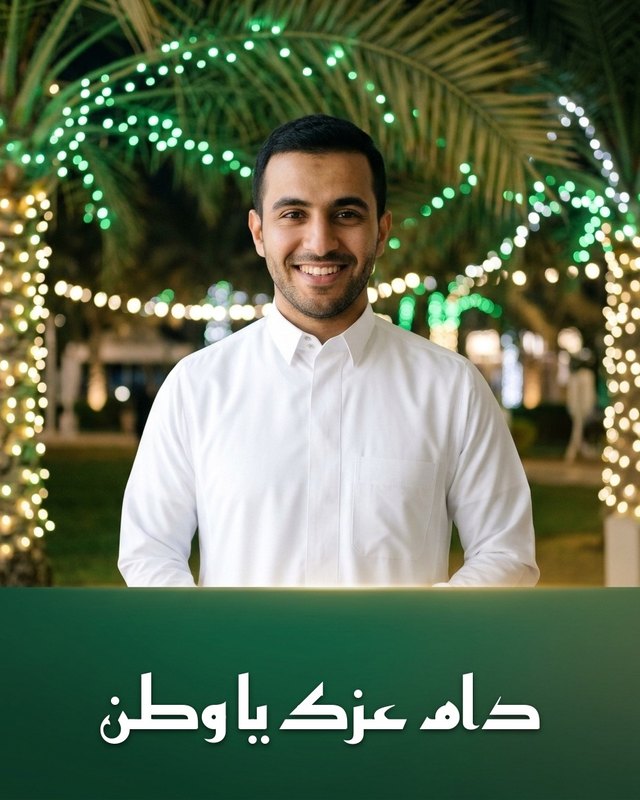
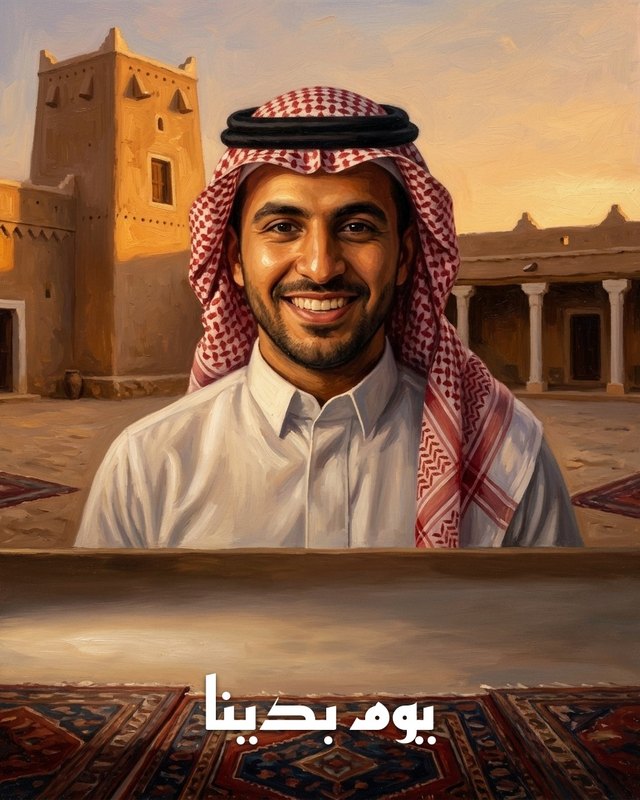
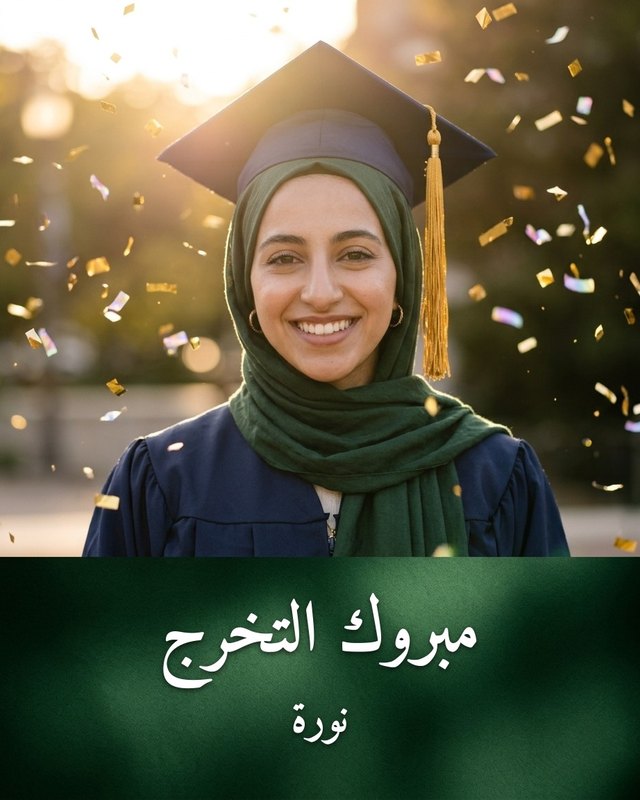
Ready-made templates
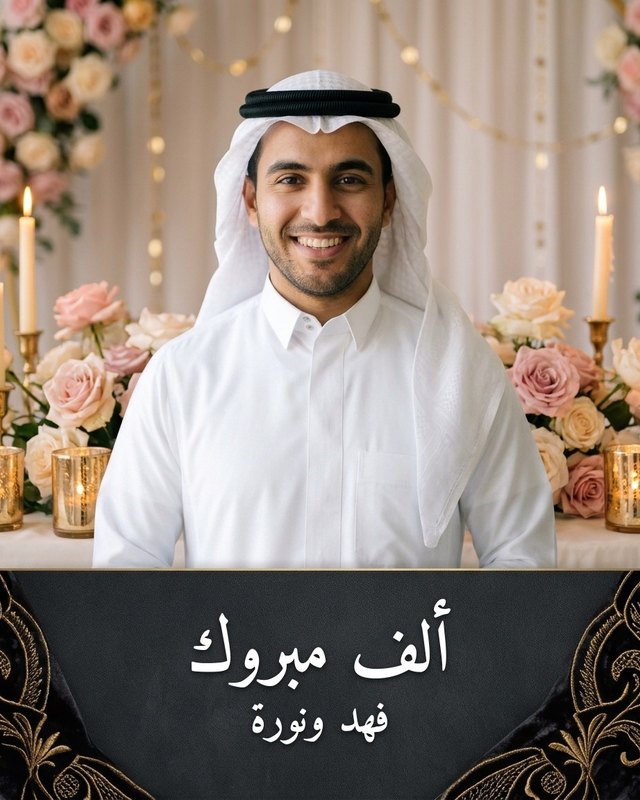
Pick a template, add your photo or idea, and let the studio finish the scene.
Four ways to express yourself
Turn text or an image into a moving, cinematic shot — and set the duration, aspect and quality.
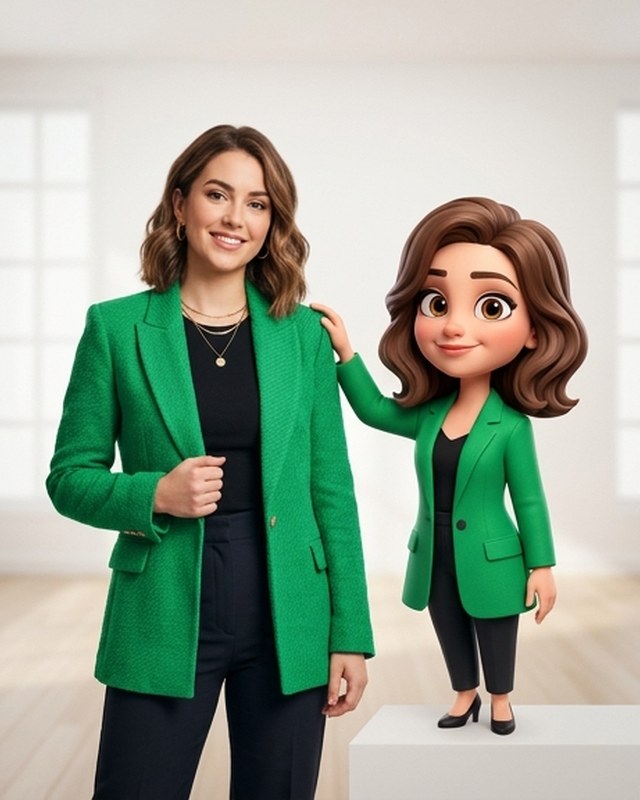
From a short description or a reference photo to high-quality images — then refine the result.
Write the script, pick a voice and delivery — for one narrator or a two-person dialogue.
Bring your lyrics or describe an idea, then choose the musical style and the singer’s voice.
How it works
Start from a single line, or from a ready-made template that fits.
Attach your photos and references, tune the settings, and see the points cost before you start.
Follow progress in your projects and get a result that’s ready to save and share.
Why Studio’k
A complete right-to-left Arabic interface, with English one tap away.
Try the studio straight away, then link an account to keep your work.
Know the points cost of every creation before it runs — and get the points back automatically if it can’t finish.
Your references and results stay private to your account, and you can delete your account and data at any time.
No. Describe what you imagine in your own words or pick a ready-made template, and the studio handles the rest.
Account creation and the creation tools are available in the iPhone and iPad app. Download it from the App Store and start right away.
Every creation has a points cost that you see before it runs, and you can top up your balance inside the app.
If a creation can’t be completed, its points return to your balance automatically.
Yes. The interface is fully Arabic, with English supported too.
Download Studio’k and start now.